Apps & internal tools
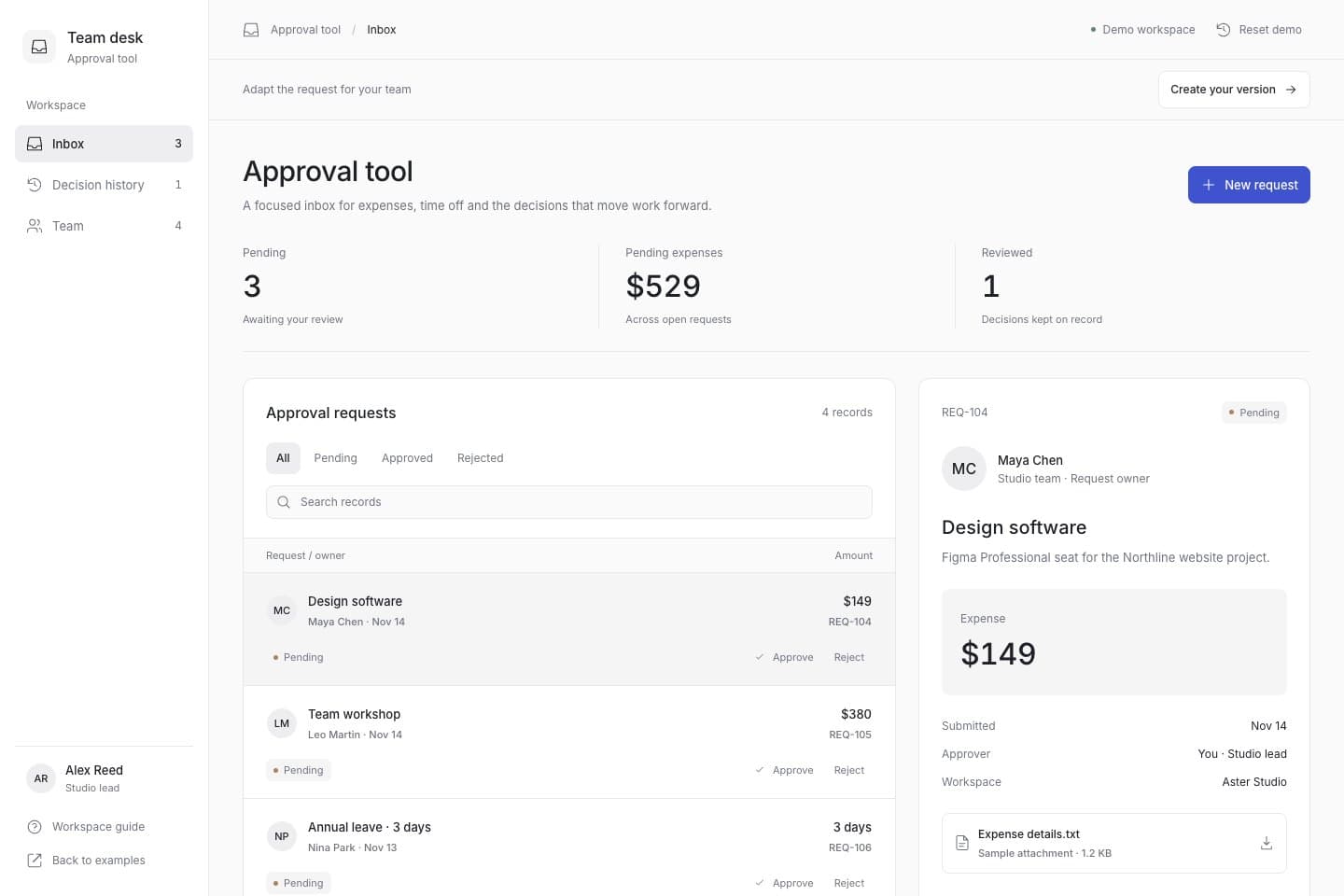
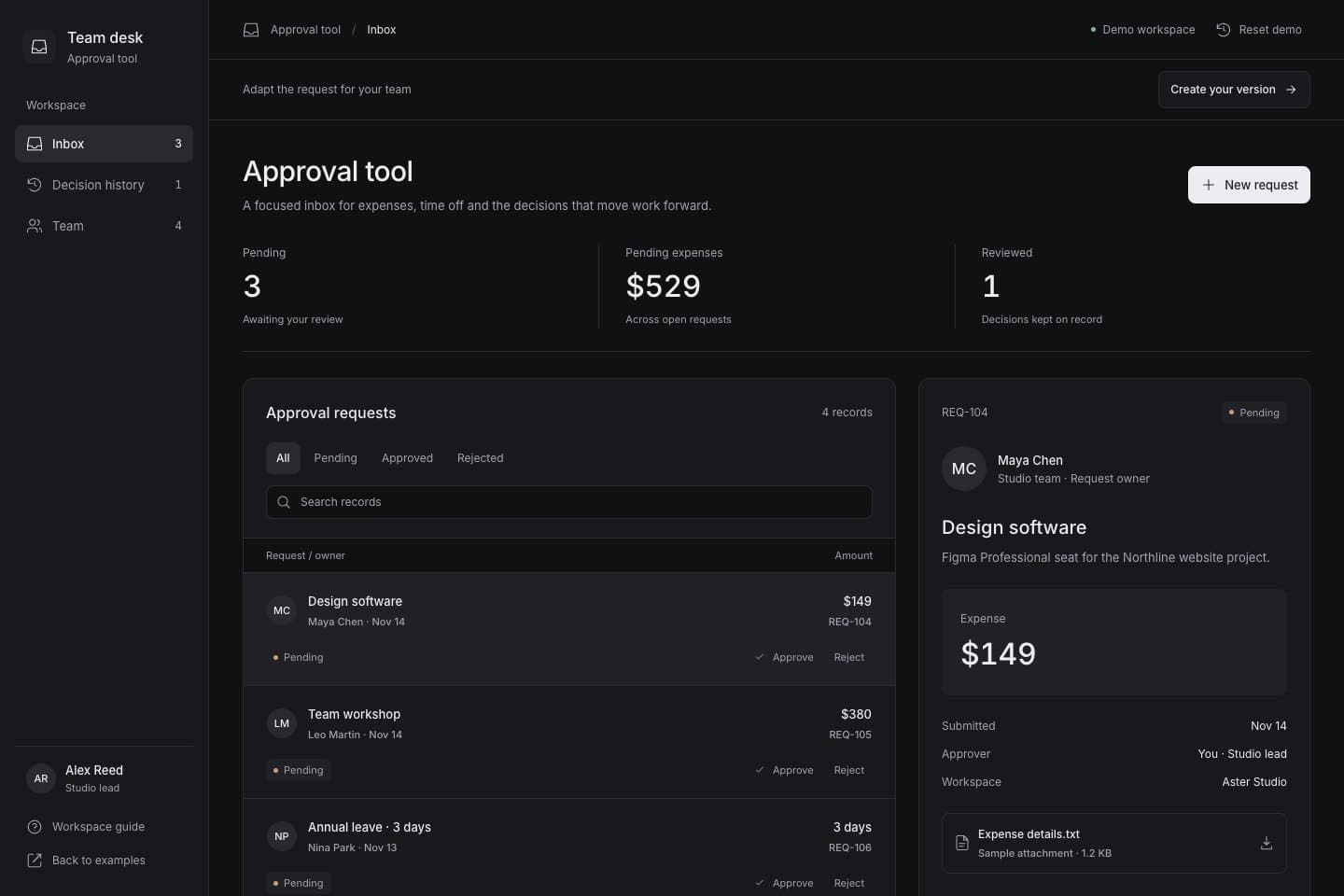
Approval tool
Searchable approval queue · Approve and reject actions · Decision history
Apps & internal tools
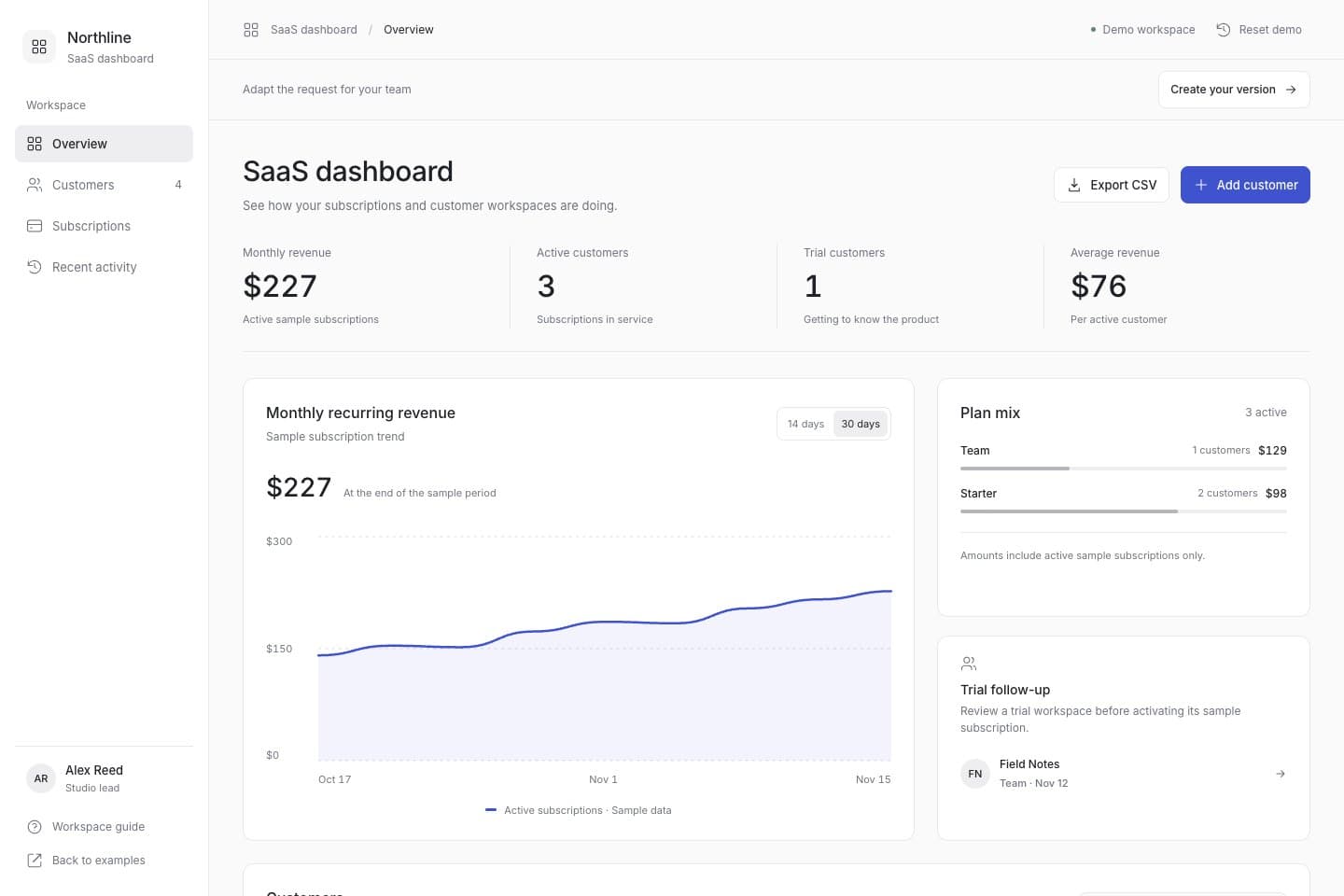
Explore this client portal example to plan project progress, sample invoices and files, update requests. Open the demo, then adapt the request for your own project.
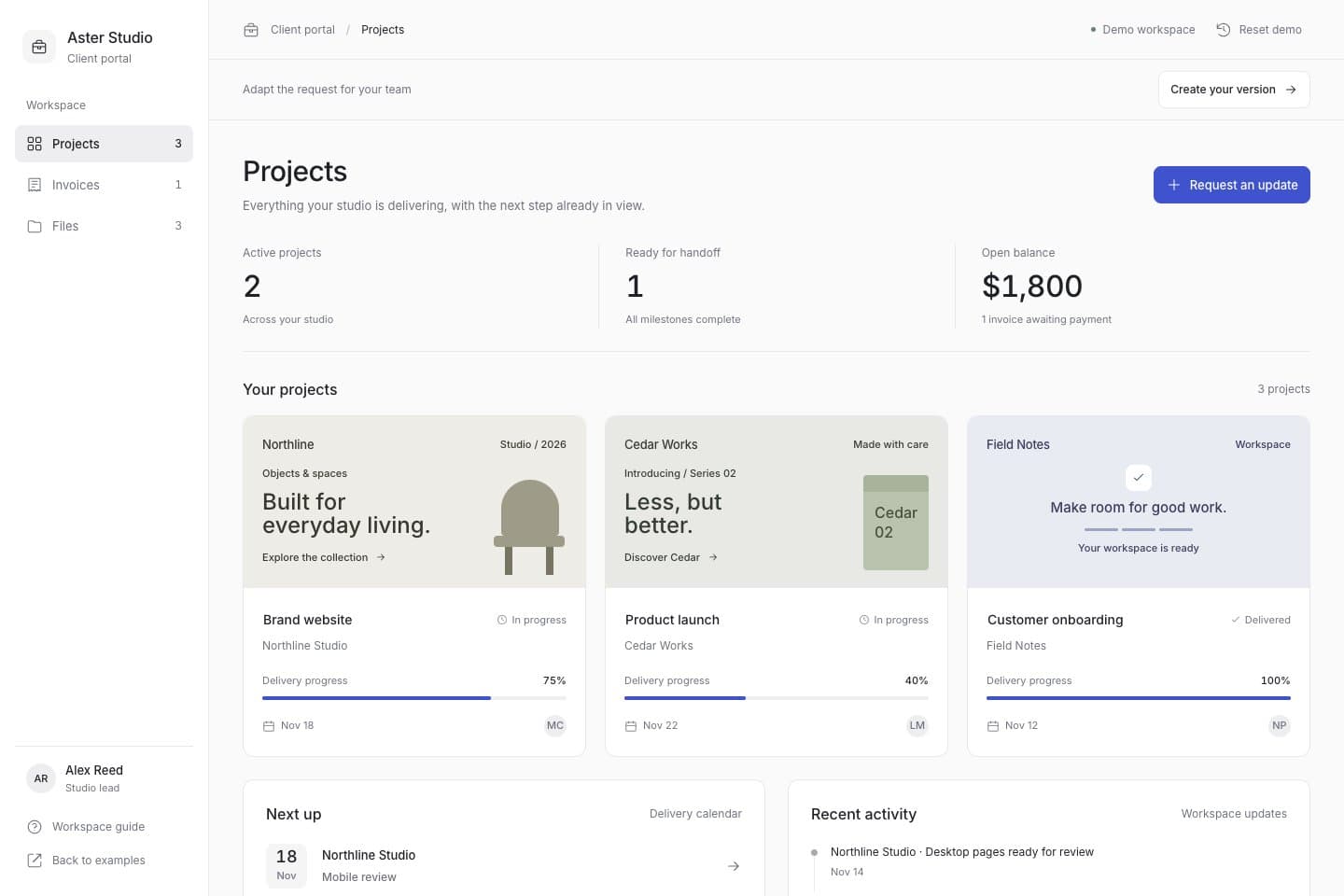
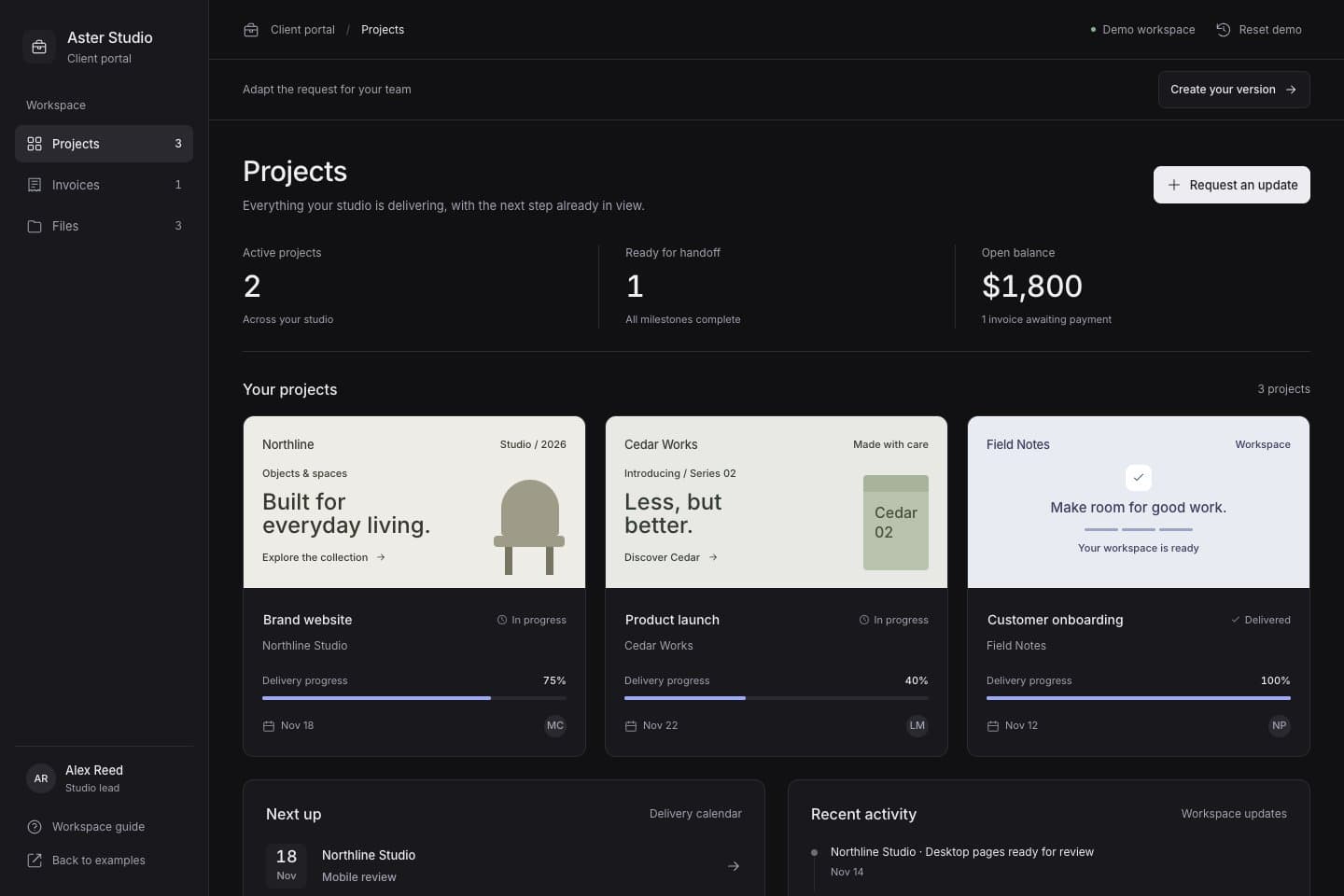
This is a reference app with sample data stored in this browser. You can reset it. It demonstrates the interface and interactions; configure and test real accounts, permissions, storage and payments in your own project.
Use this request as a starting point. Change the details below, or copy your edited request to keep it for later.
Apps & internal tools
Searchable approval queue · Approve and reject actions · Decision history

Content & publishing
Article collections · Reading experience · Subscription information