For indie developers and small teams
Describe a website, native mobile app, interactive prototype or presentation. BuildWhat creates an editable project you can preview, improve and export.
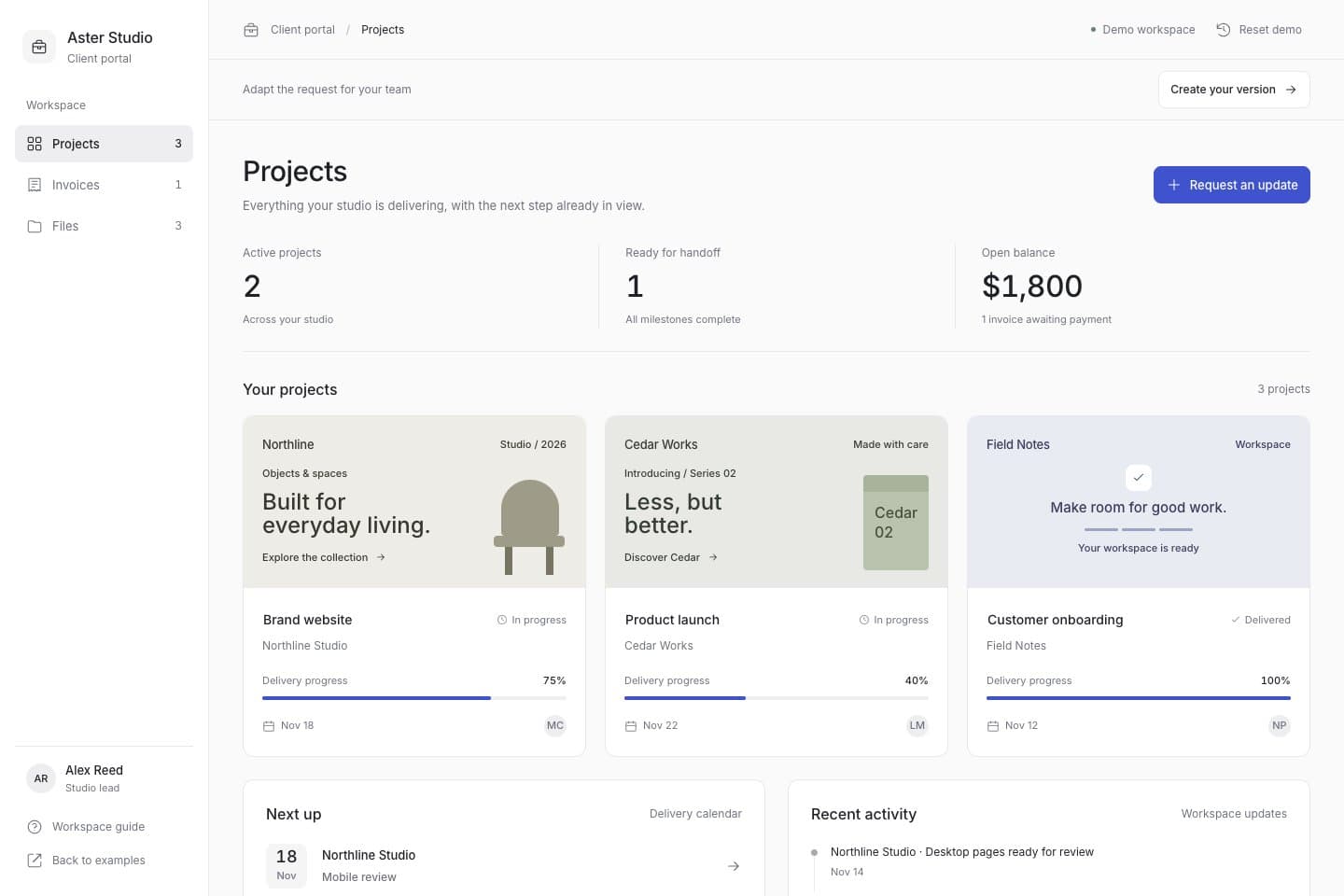
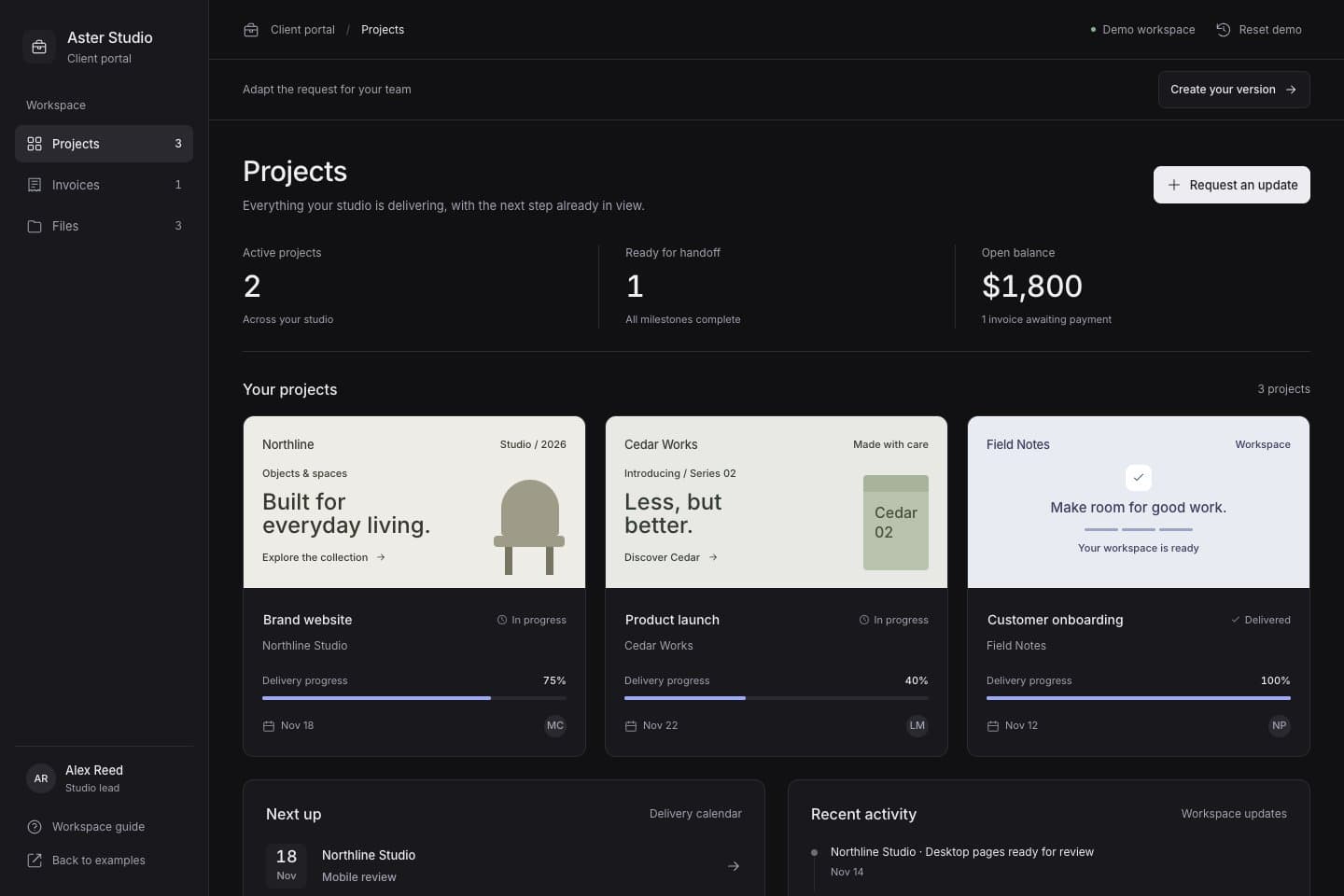
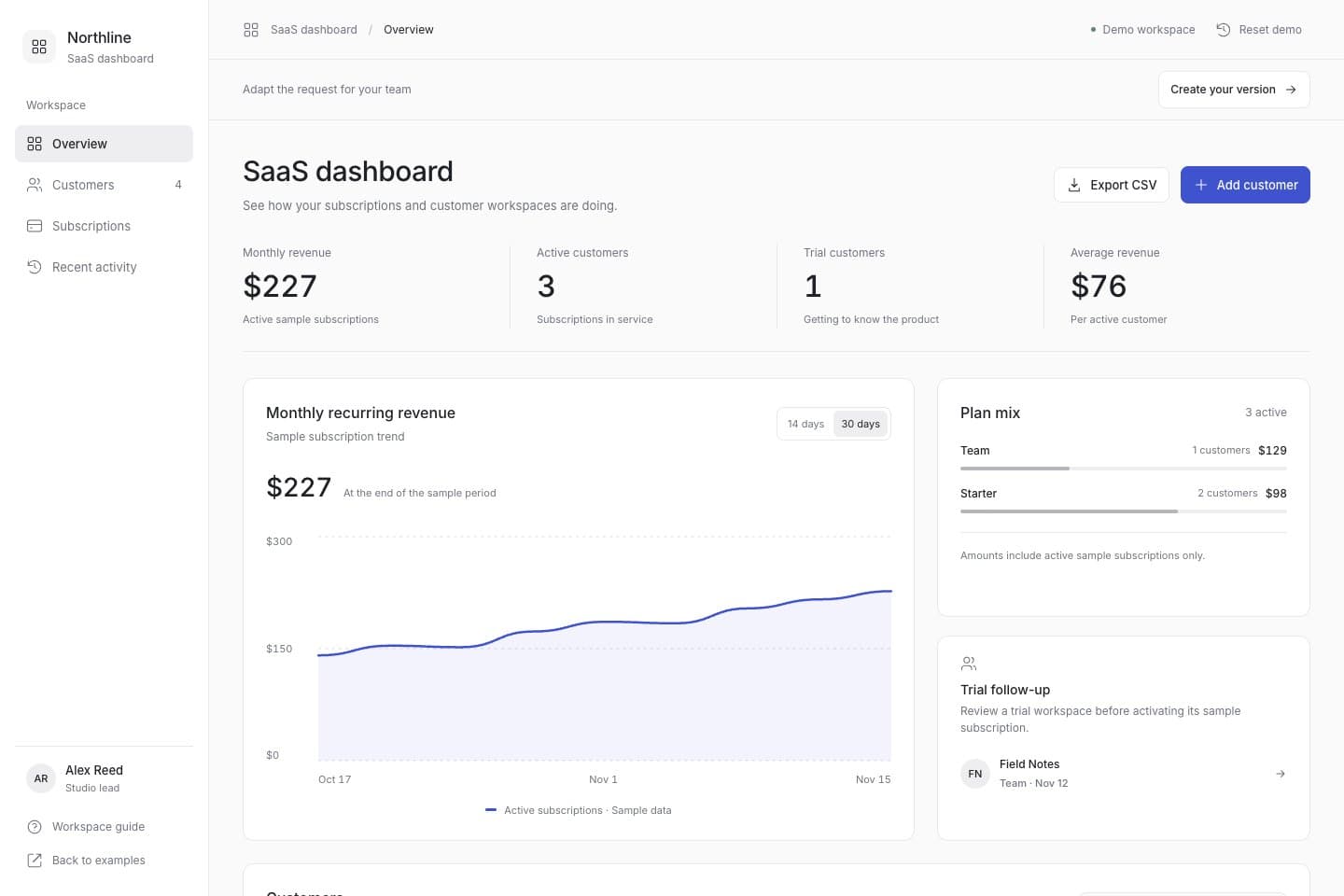
Try a client portal, approval tool or SaaS dashboard with sample data. Explore the workflow, then adapt the request for your own project.
Apps & internal tools
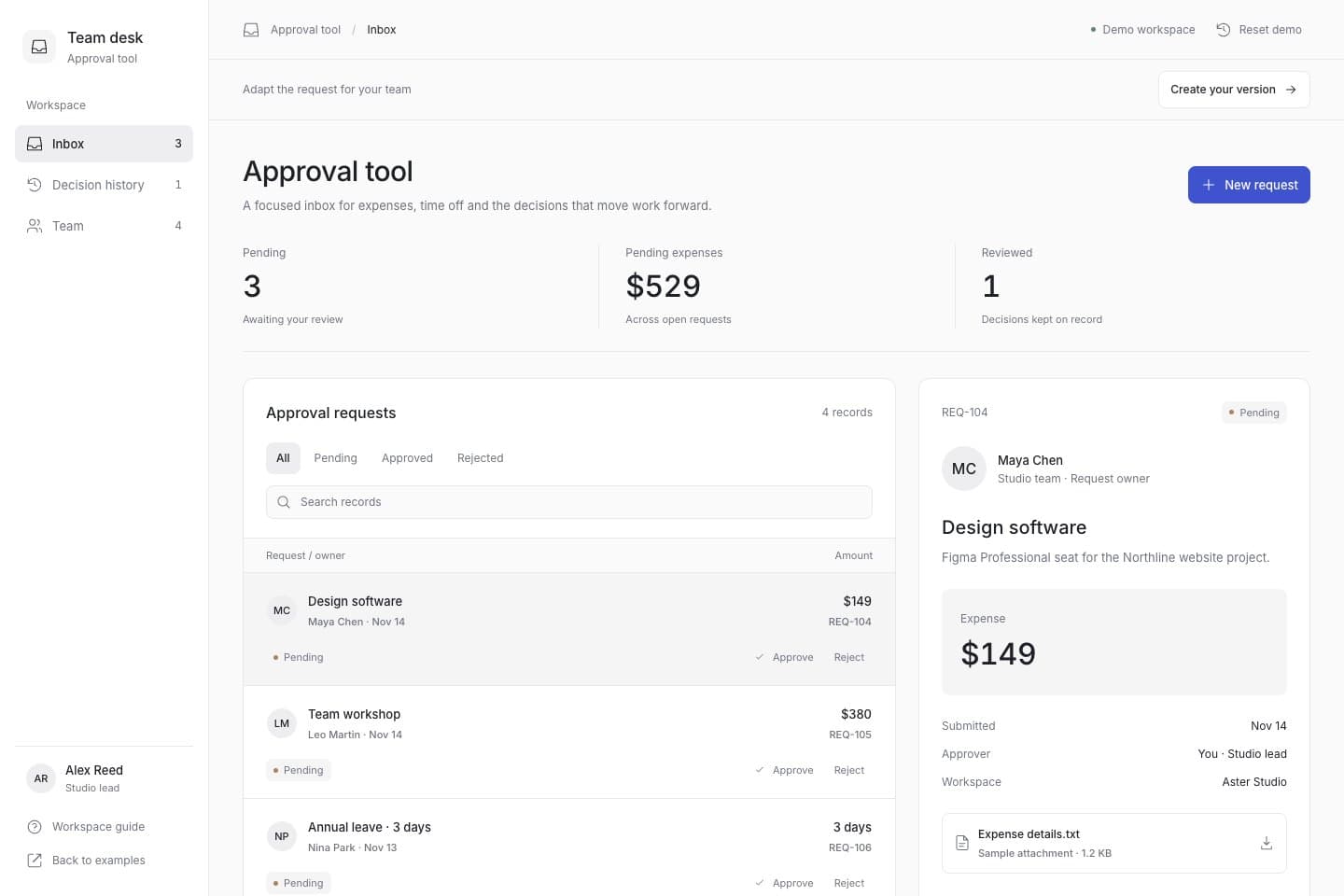
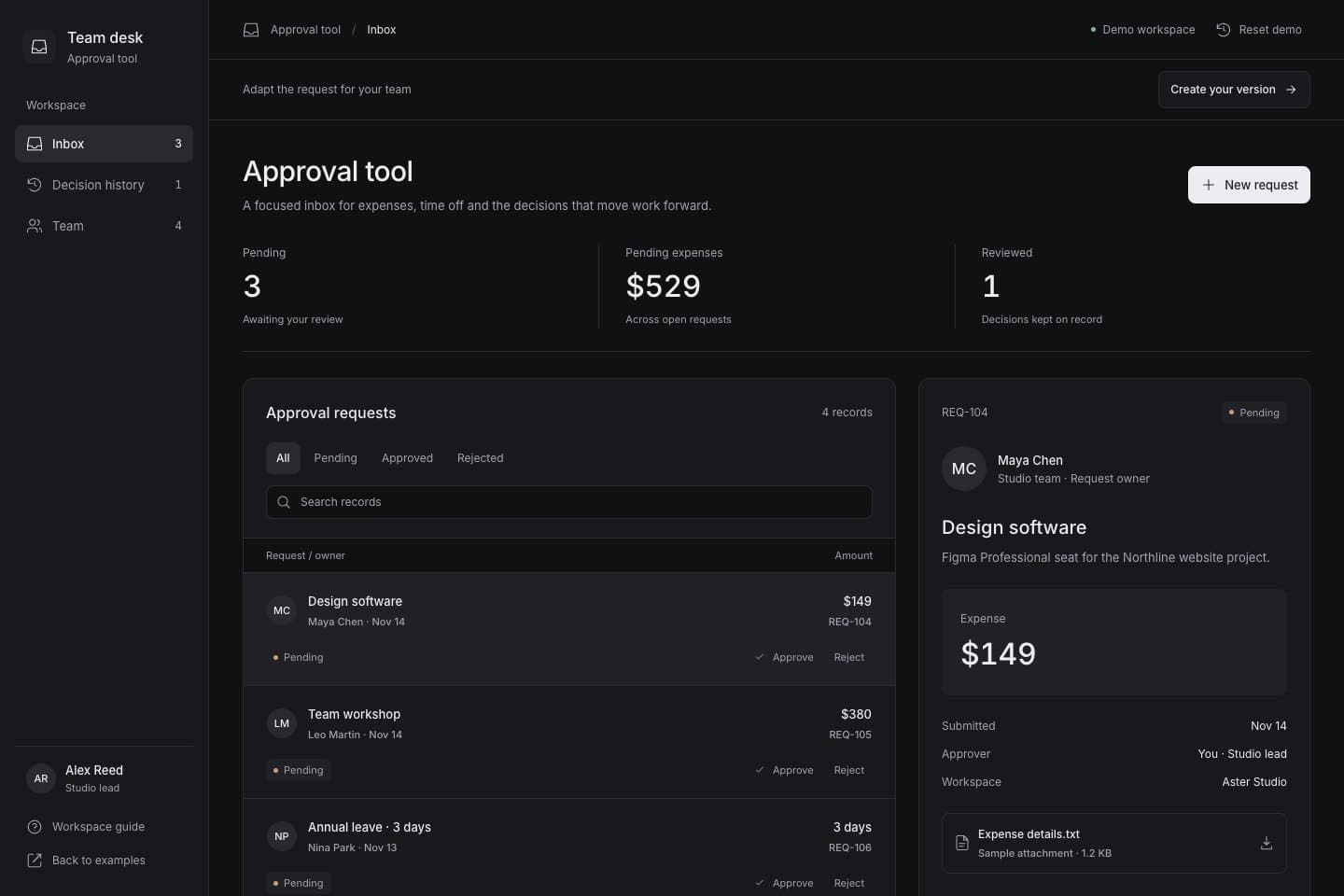
Searchable approval queue · Approve and reject actions · Decision history
01How it works
The agent handles the specialist work. You keep the running result, the context, and the decision.
Studio workspace example: your request, preview and history in one project
Say what it does, who it is for, and what matters. Plain language is enough.
The agent plans, writes, and tests in a real workspace while the app runs.
Review the change, restore a checkpoint, or take over the code when you want.
02Live product
Preview is not a screenshot or a mockup. It is the application, running in the browser, ready for the next decision.
03Recoverable
Every build is a checkpoint. Restore a known-good version without losing the conversation or the project.
04Open by default
A standard codebase, not a closed platform. Inspect it, export it, or take over whenever you want.
05The agent
Questions, plans, permissions, and changes stay in one thread. You always know what is happening and why.
06Use cases
Choose a use case to bring an editable request into Studio. Adapt it to your business before building.
BuildWhat is an AI app builder for creating software with natural language. Build websites and web apps, native mobile apps, interactive prototypes, or presentations, then iterate with conversation, live previews, and code tools. Choose Web, Native, prototype design, or presentations according to what you want to deliver.
Compare project typesExplore the example demos without an account. Building your own project requires an account; check the pricing page for current free credits and plans. Build usage depends on the model and actual calls. Paid plans show their price and billing cycle before checkout, while hosting and third-party services may cost extra.
Check free credits and plansStart by describing your users, features, and workflow so the AI can create an initial version. This way of developing with natural-language prompts is often called vibe coding. You still need to review the result, test important flows, and configure any external services. You can inspect and edit the code when needed.
Write a useful requestNative projects are for native mobile apps. Device previews, signed builds, beta distribution, and app-store releases are separate steps; available actions depend on current delivery capabilities, project state, and credentials. Store accounts, review, and third-party fees require separate preparation.
Read the Native delivery guideInspect pages and interactions in the live preview, then use application tests, change review, and project history to check the work. Checkpoints preserve verified project versions for further changes or recovery. Published applications and editable projects are managed separately.
Learn about checkpointsPreview and export your source, then choose a currently supported delivery channel. Some channels require your own hosting account, domain configuration and separate provider fees; project storage is not production hosting. Upgrading a plan does not unlock delivery channels that are not yet offered. Check the pricing page for the current delivery scope.
View pricing and delivery capabilitiesOpen workspace
Bring your idea into Studio. Review the preview, refine the details and export your work when ready.