Apps & internal tools

SaaS dashboard

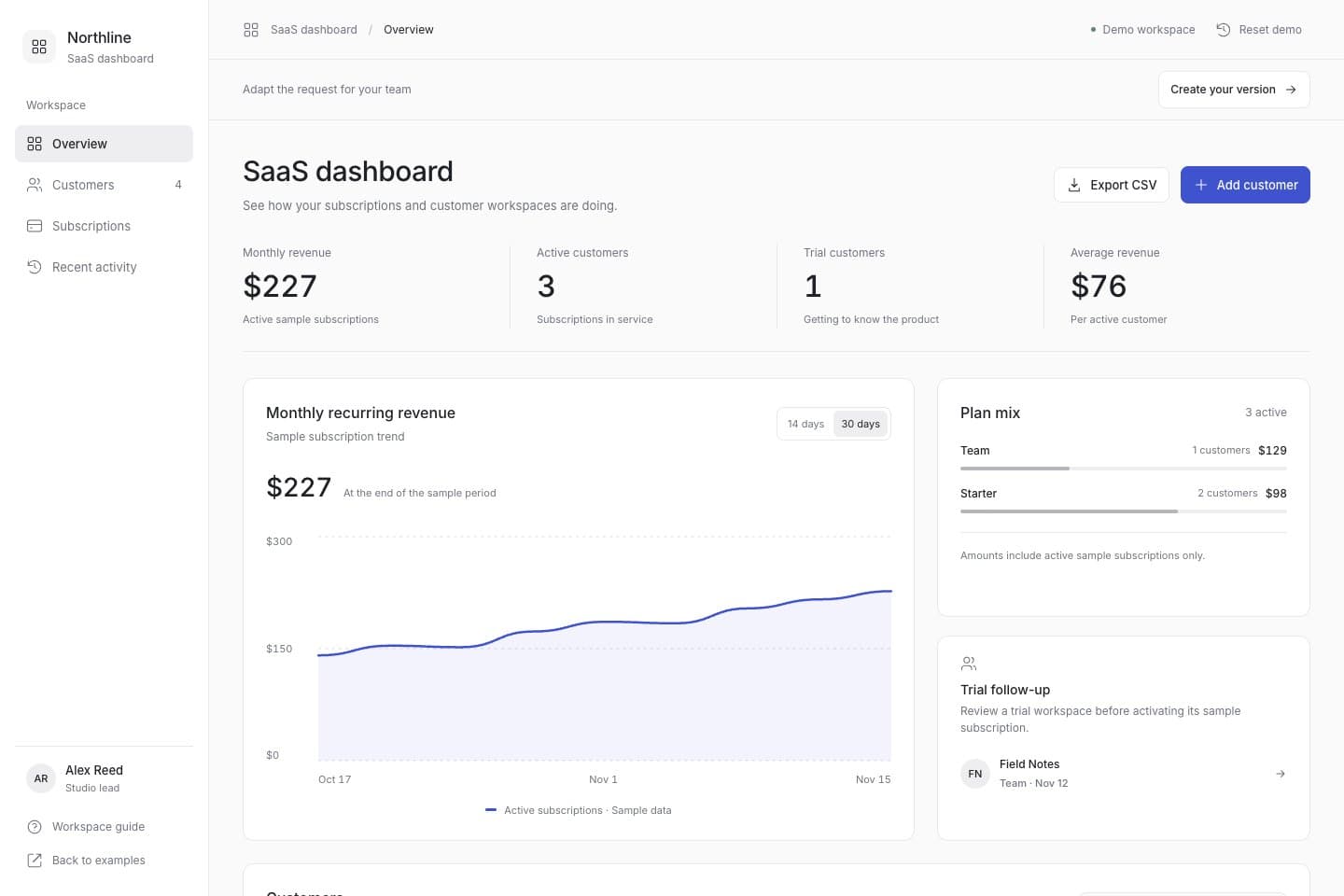
Explore this saas dashboard example to plan sample subscription metrics, customer records, csv exports. Open the demo, then adapt the request for your own project.
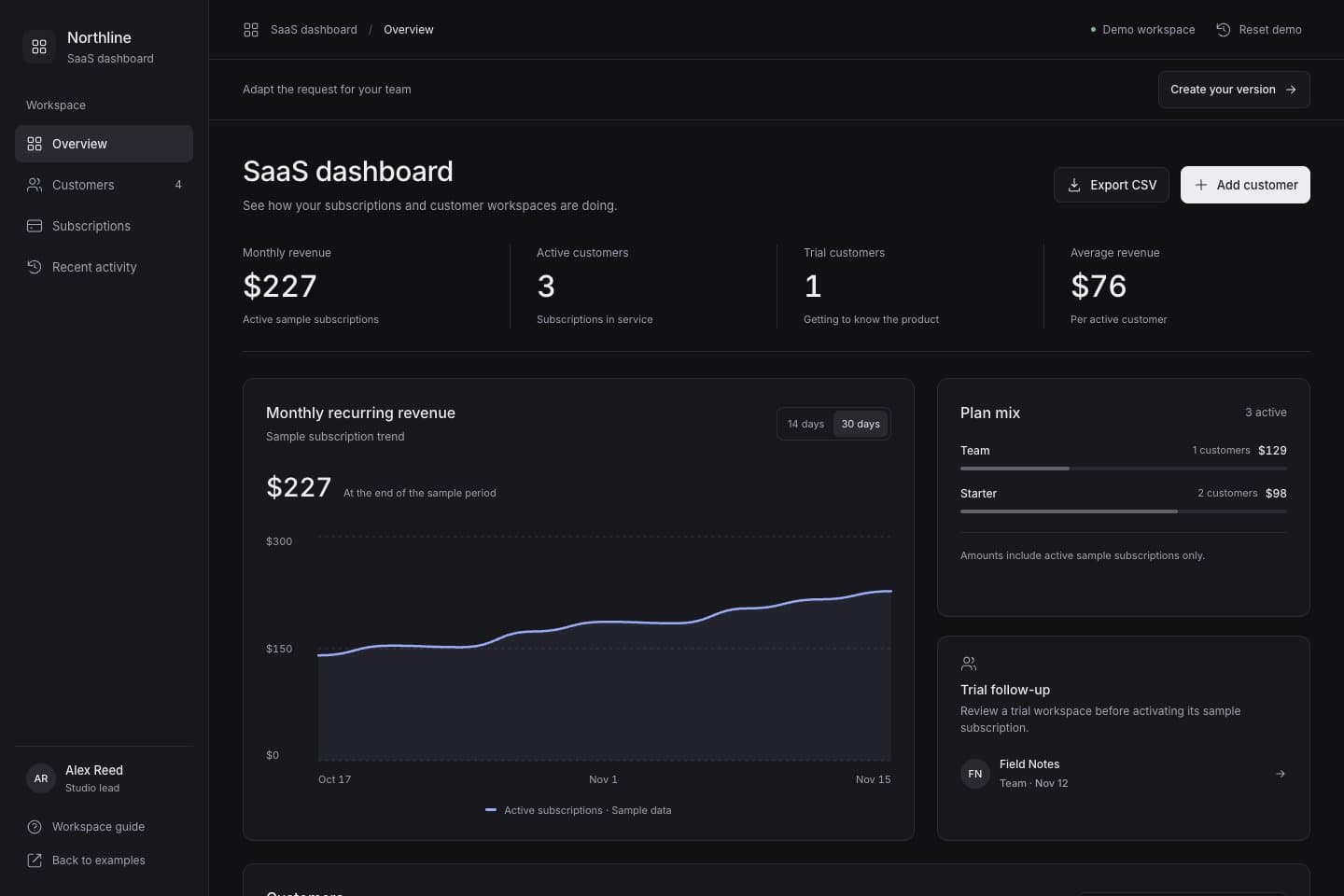
SaaS dashboardSaaS dashboard

This is a reference app with sample data stored in this browser. You can reset it. It demonstrates the interface and interactions; configure and test real accounts, permissions, storage and payments in your own project.

Start with your own request

Use this request as a starting point. Change the details below, or copy your edited request to keep it for later.
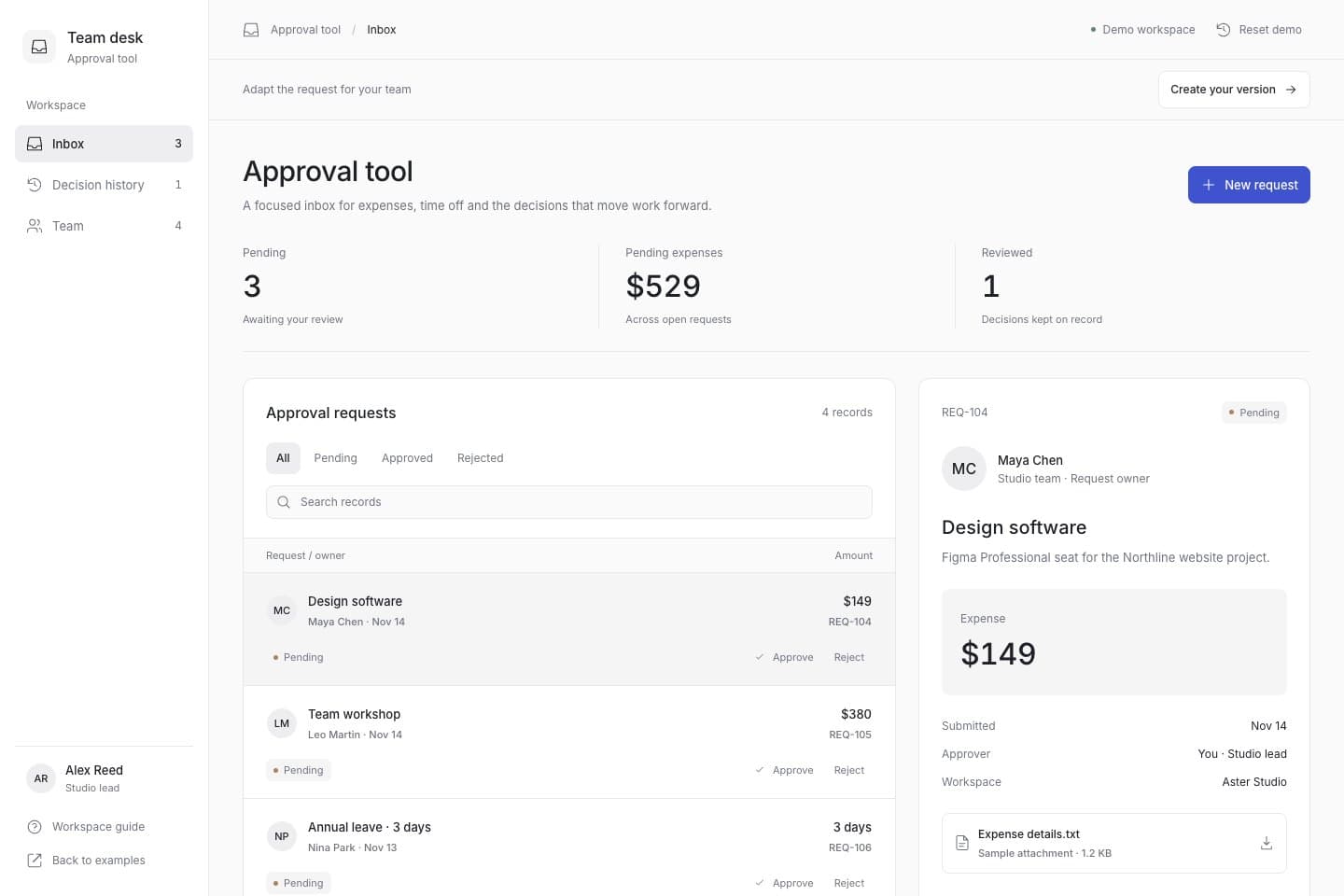
Sign in or create an account to bring this request into Studio. Review it before building.

Try these steps in the demo

  1. Switch the sample revenue chart period and review the active subscription and plan summaries.
  2. Search customers and open a profile to inspect its plan, seats and status.
  3. Add a trial customer, activate or pause a sample subscription, and check the updated totals.
  4. Export the sample CSV, refresh to check that changes remain, then reset the workspace.

What to adapt for your project

  • Sample subscription metrics
  • Customer records
  • CSV exports

Create your own version

  1. Open the demo and check the screens and actions that matter for your project.
  2. Edit the starter request with your audience, records and workflow, then continue into Studio.
  3. Review the request before building. Check the resulting app, then configure the real services your project needs.